
Remote control a Meaco DD8L dehumidifier
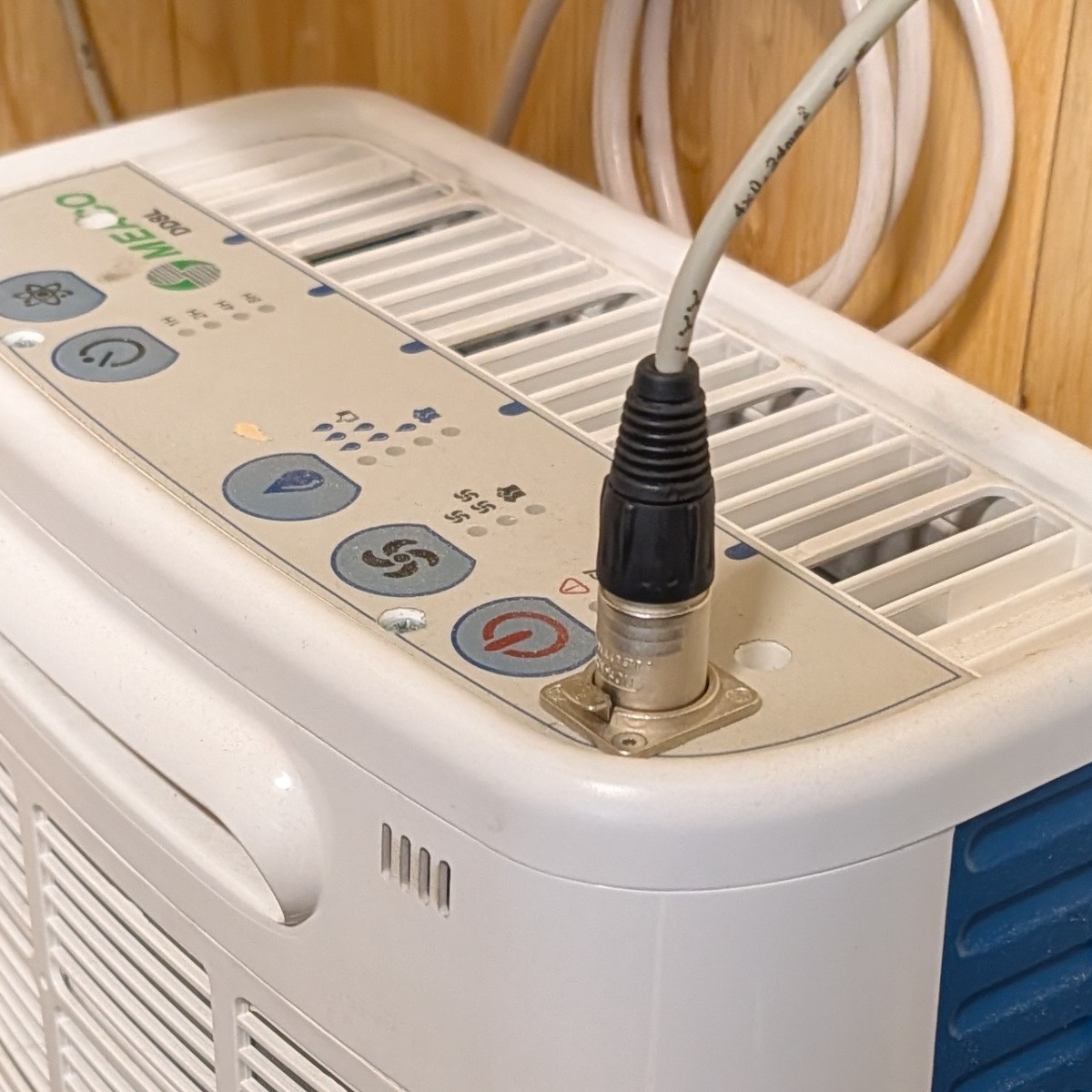
|
Meaco DD8L is a desiccant dehumidifier that works efficiently at very low temperatures, ideal for garages etc. This shows how you can control it remotely and monitor it's operational state. |
Introduction
Meaco DD8L is a desiccant dehumidifier that works efficiently at very low temperatures. Unfortunately you cannot just switch the mains input to start/stop it, as it will start in a disabled state. It is also very good to know the running status of the device in case it has stopped due to a full water tank, clogged drainage hose etc.Modification
What we are interested in is accessing the signals from/to the power button and the dehumidifying-LED.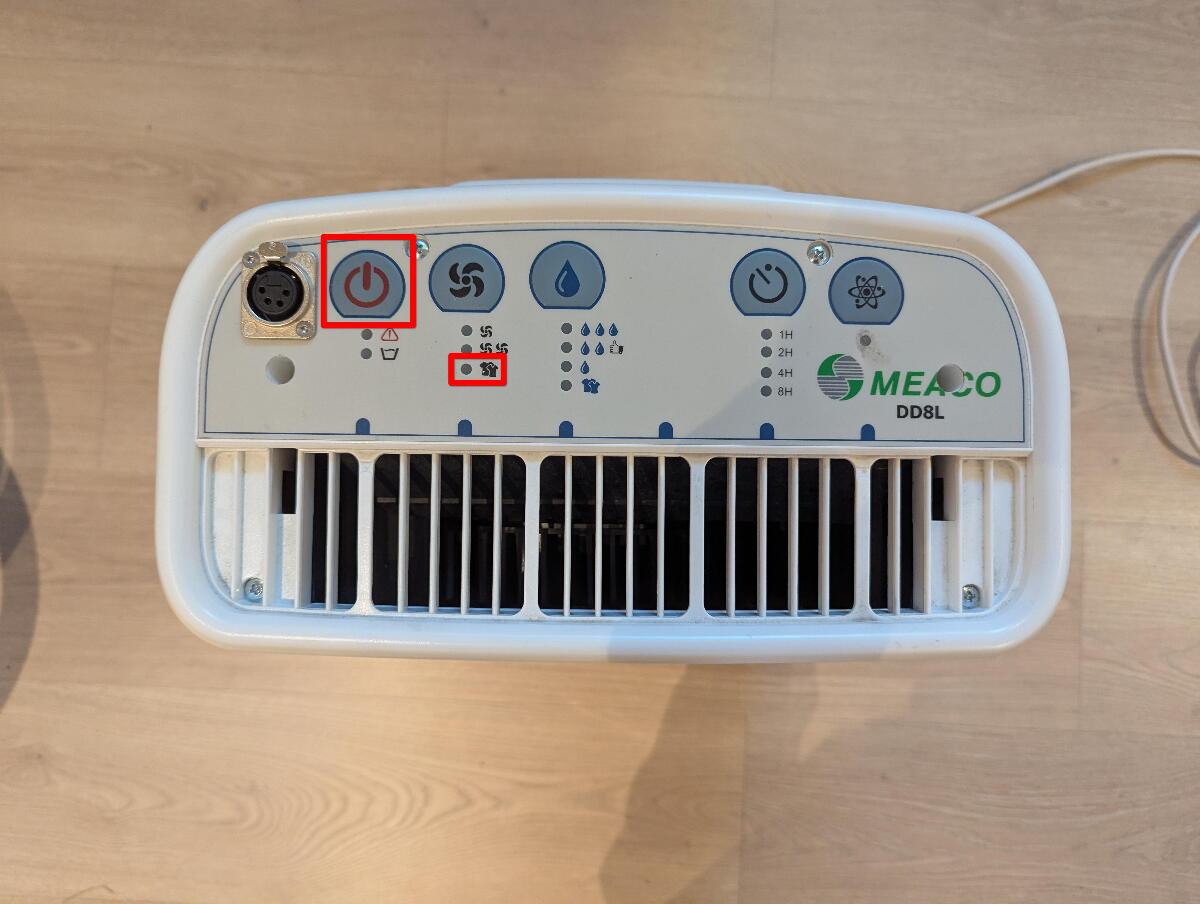
The first thing we do is to remove the front panel with 6 screws. (Well, I've already mounted the connector here, ignore that.)
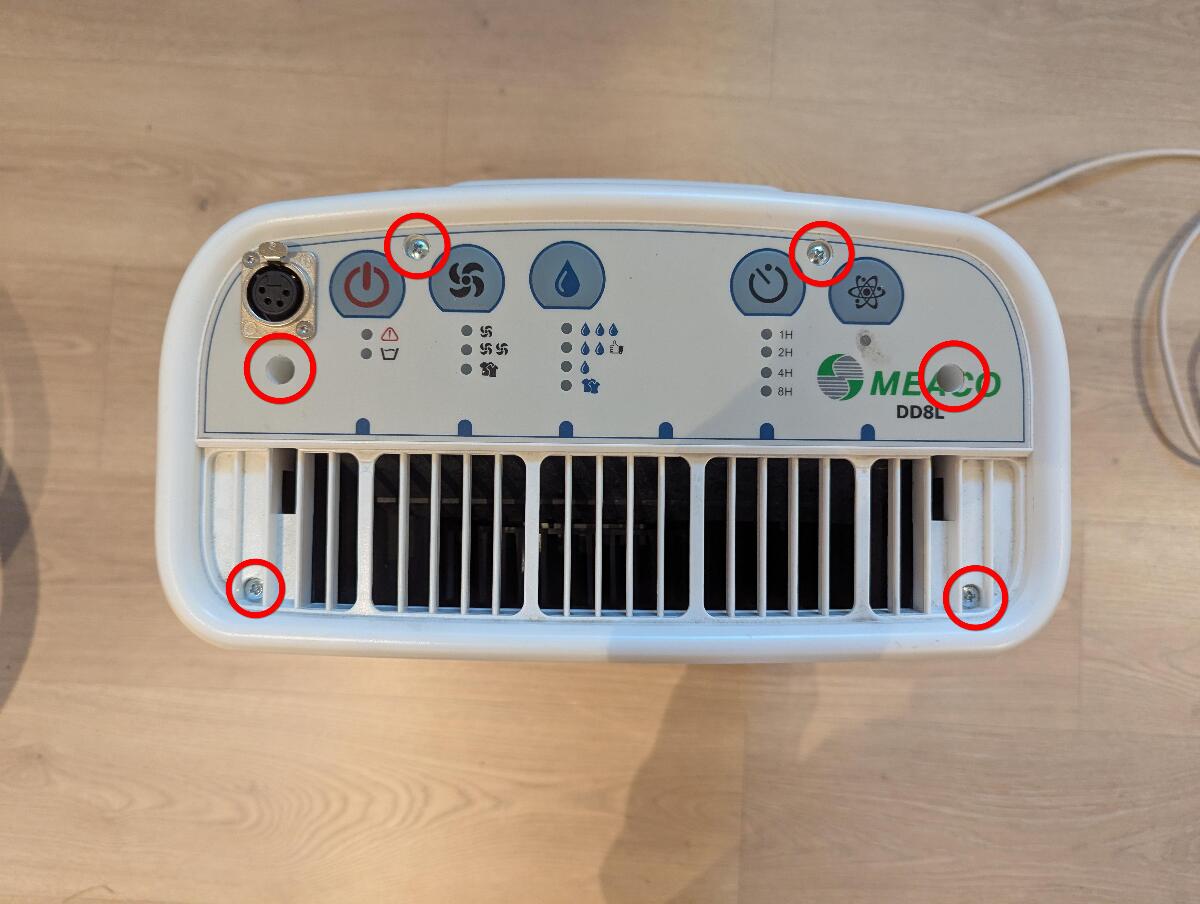
From here we can access the control panel PCB.
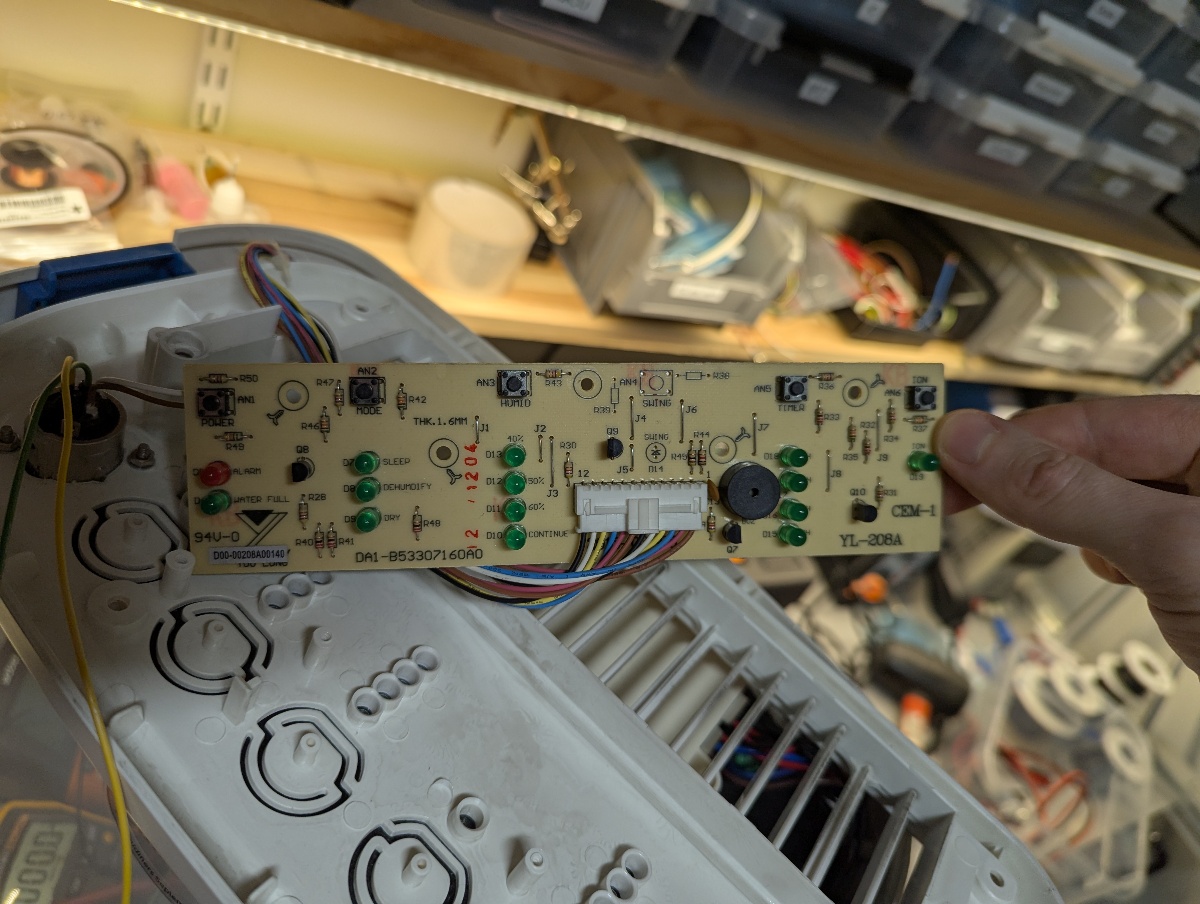
In this picture I've soldered four wires to the relevant soldering points:
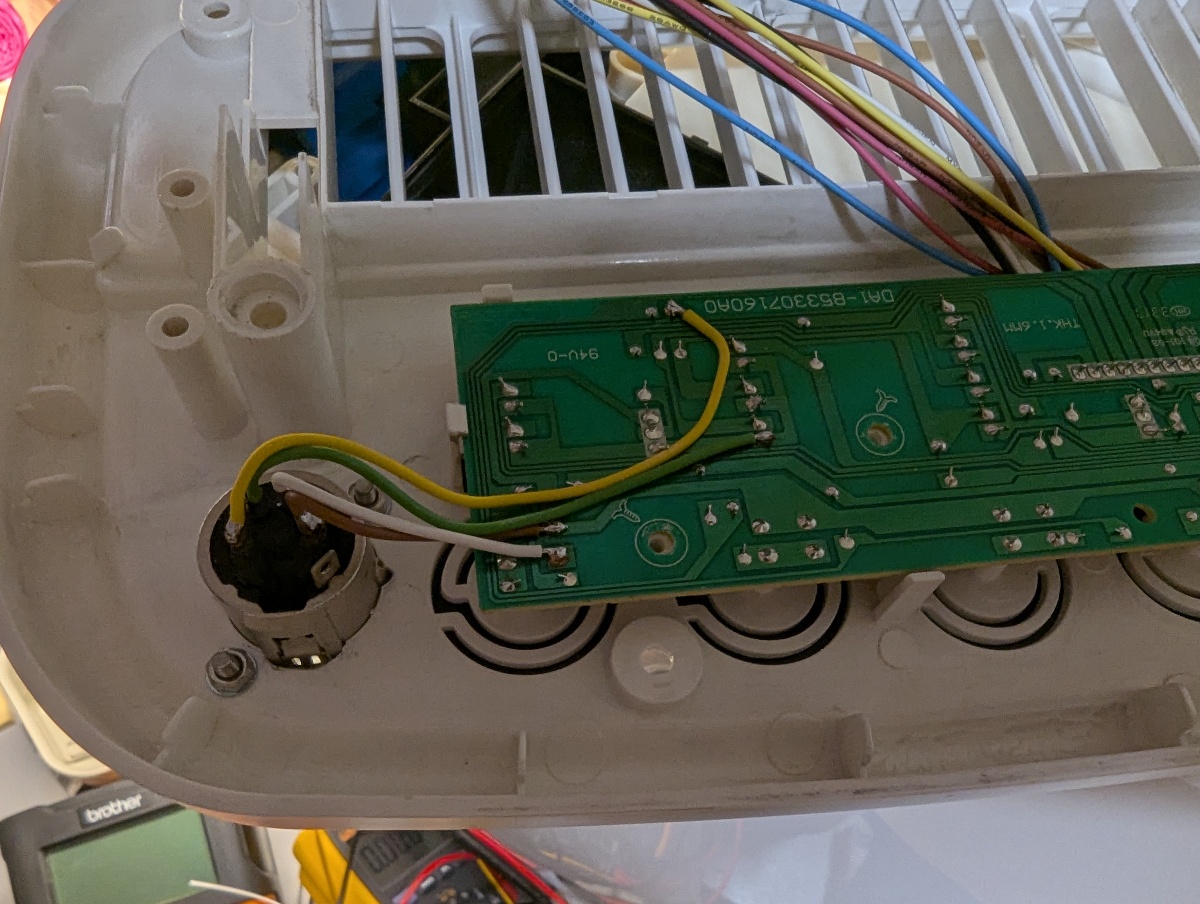
- Brown and white: Short to toggle operational state
- Yellow and green: Dehumidifying-signal (yellow is positive, green is negative)
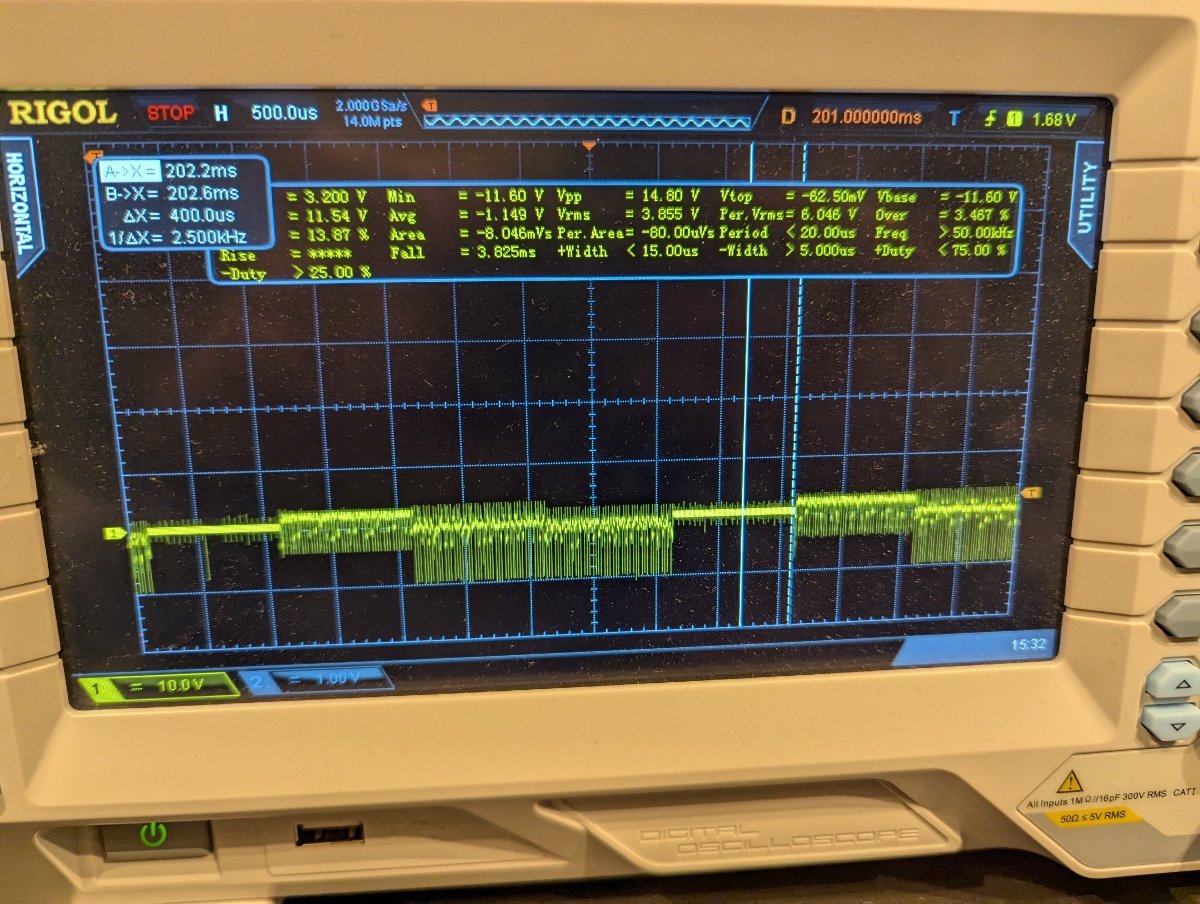
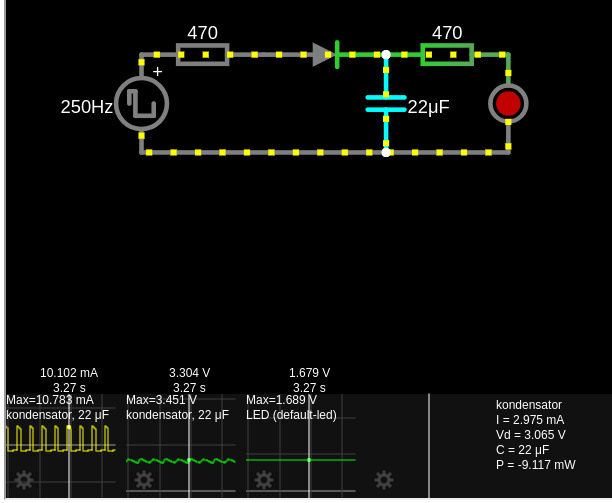
I made a simple circuit to do three things:
- Rectify the voltage (we are only interested in the positive part, so we don't want a full bridge)
- Smoothen out the duty cycled signal to a continous signal
- Provide galvanic isolation
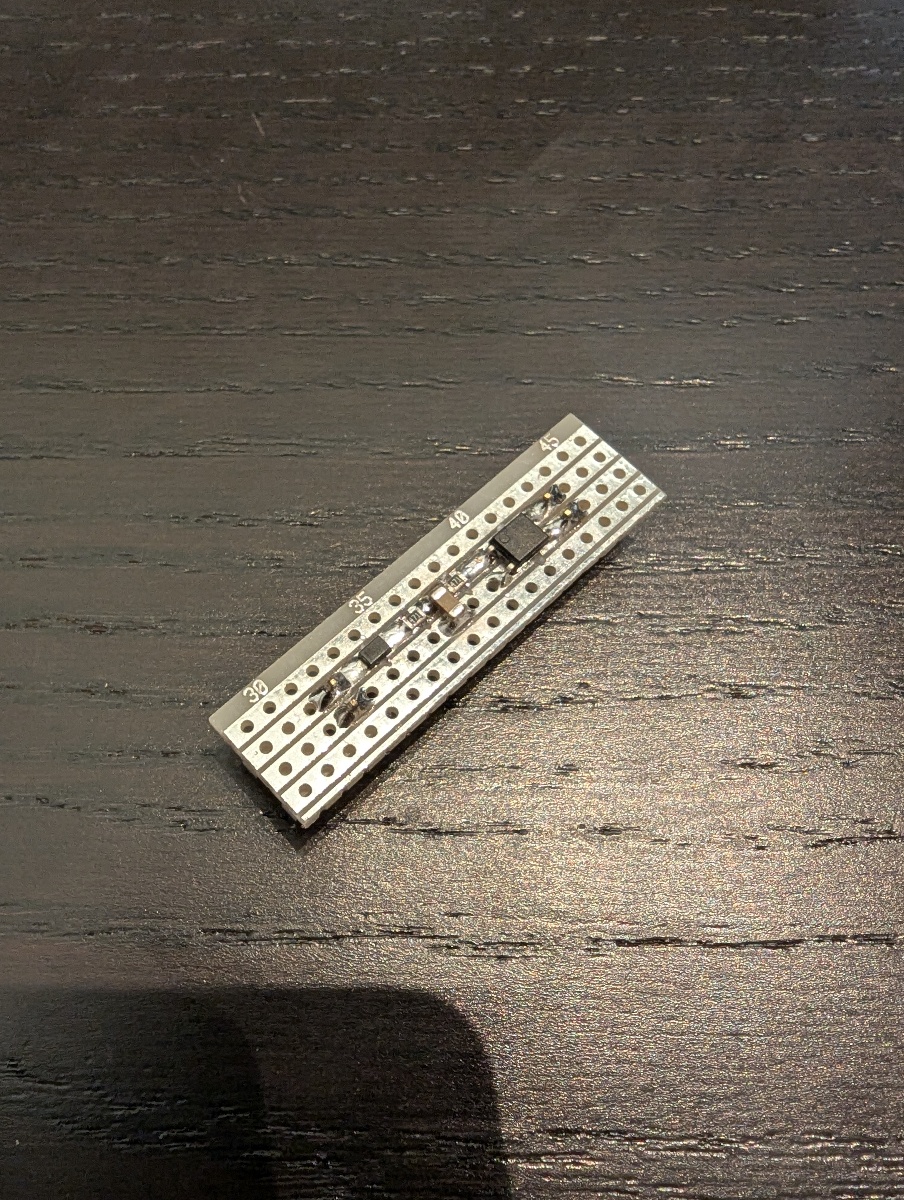
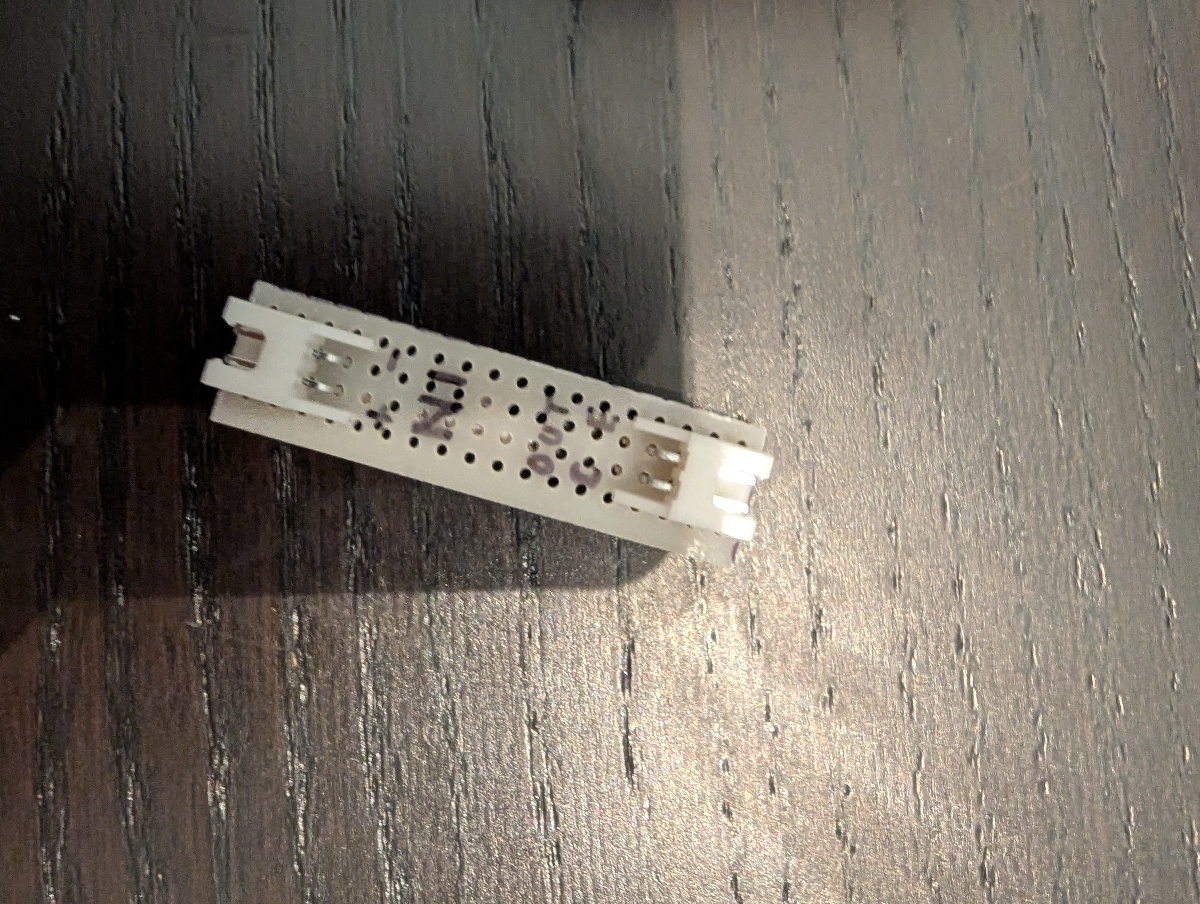
Finally everything is connected to my smart home system:
- The on/off toggle button is simply connected directly to a relay module, as the relay already provides isolation.
- The circuit made above is connected between the dehumidifier LED output and a button input module.
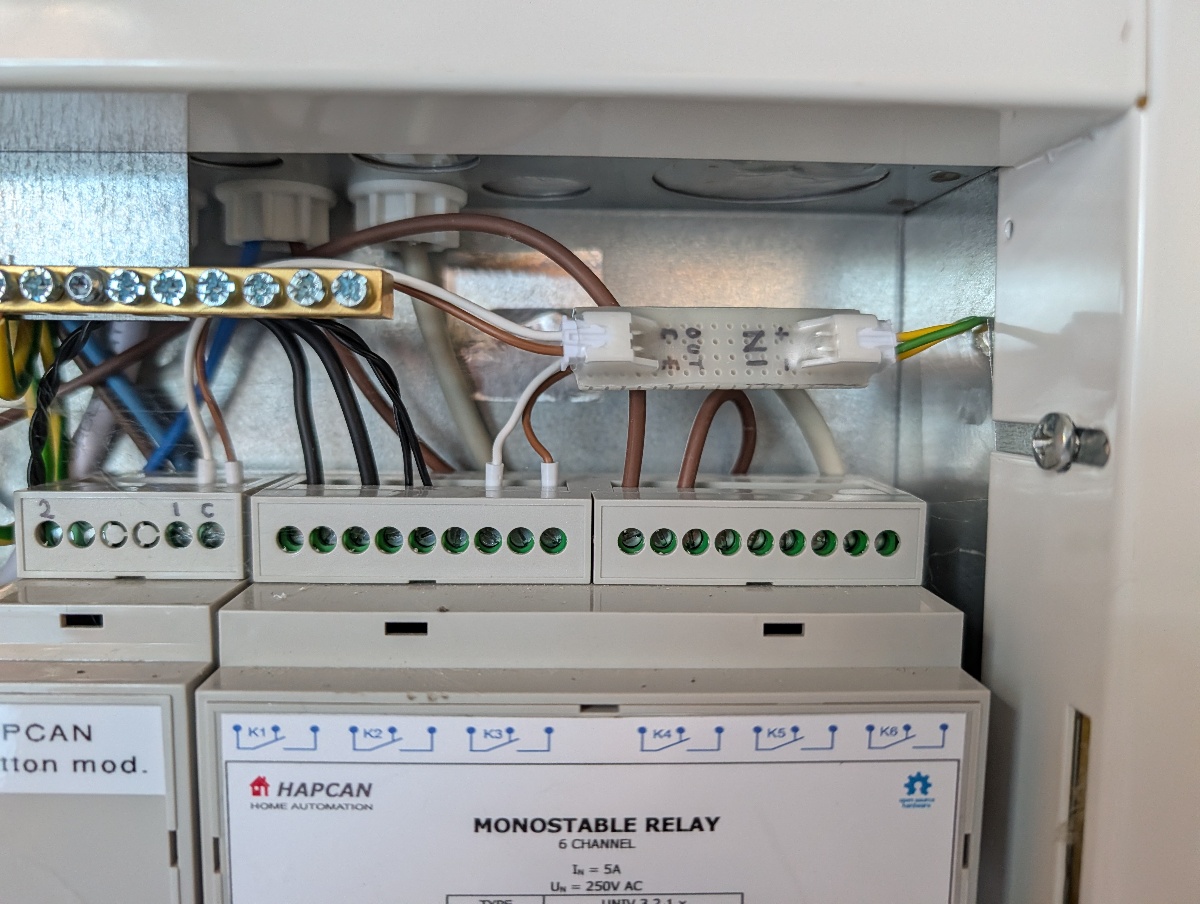
In Home Assistant we need a template switch to make a virtual on/off switch from the physical toggle signal combined with the running status:
- switch:
  - name: Dehumidifier
    default_entity_id: switch.garage_dehumidifier
    state: '{{ is_state(''binary_sensor.garage_dehumidifier_state'', ''on'') }}'
    turn_on:
    - action: switch.turn_on
      data:
        entity_id: switch.garage_dehumidifier_toggle
    turn_off:
    - action: switch.turn_on
      data:
        entity_id: switch.garage_dehumidifier_toggle
That's all!